

Delete events
You can delete an event when you no longer need it. This topic describes how to delete an event on the Alipay+ Mini Program platform.
Procedure
To delete an event, take the following steps:
- Log on to the Alipay+ Mini Program platform.
- In the left navigation panel, click Custom Analysis.
- On the displayed Custom Analysis page, find the desired mini program.
- Click the name of the mini program or Events in the Action column.
- Click View in the Action column.
- On the displayed event information page, click Delete in the upper-right corner.
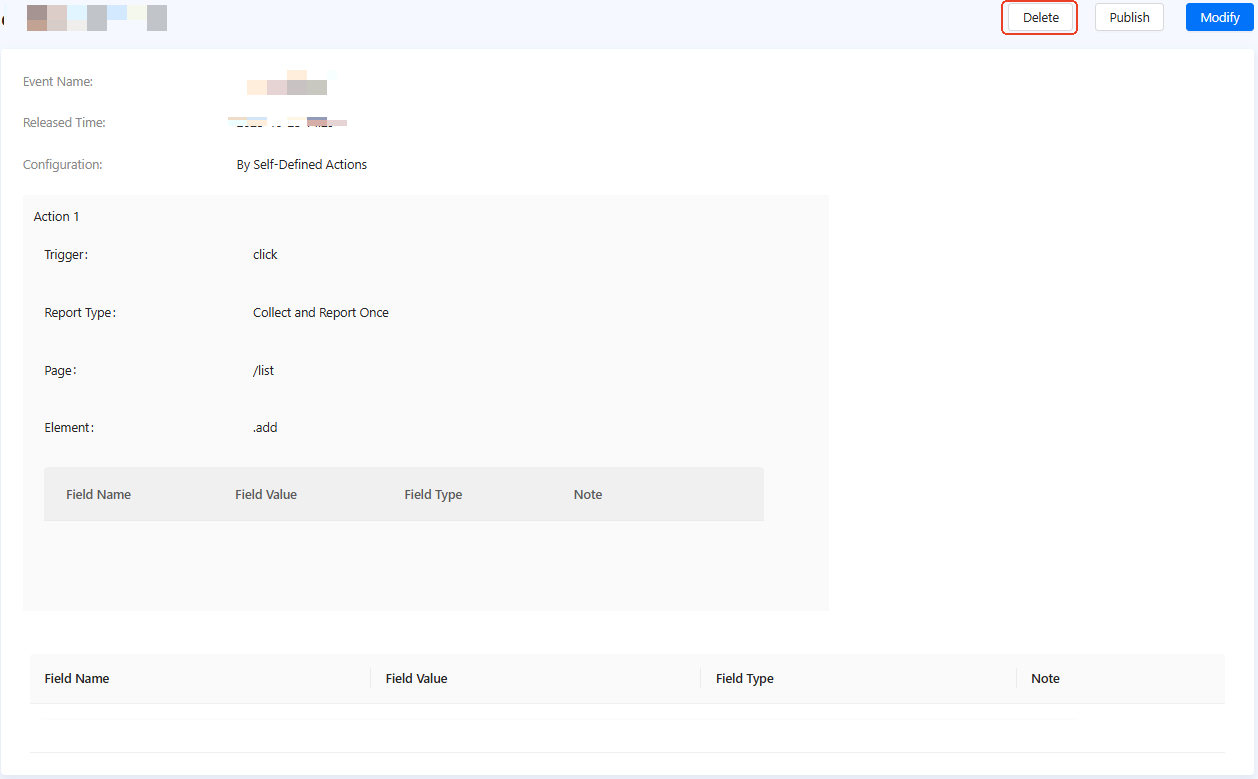
Figure 1. Delete an event
- In the confirmation dialog, click Delete.